
Medication · free forever
Enforso for Medication boxes
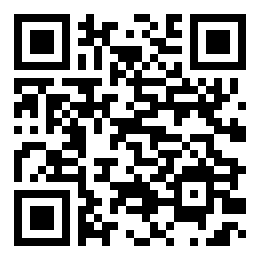
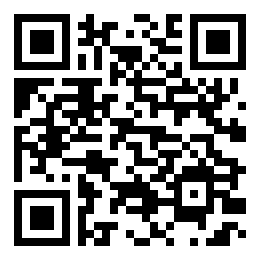
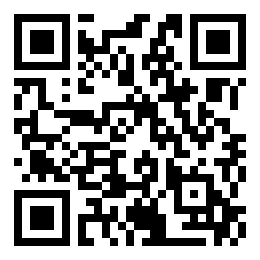
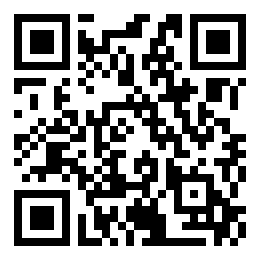
Any pill organiser you already own becomes an Enforso box. Print the codes, stick one inside the bottom of each compartment, and every dose gets its own reminder that will not close until you have physically been at the box.
1
Print the sheet
Pick your box below and download the PDF. Ordinary paper is fine — the code only has to
survive inside a dry compartment.
2
Stick it to the bottom
One code per compartment, face up, on the floor of the cell. Under the pills it stays
clean, and it is right there when the lid opens.
3
Scan the master code once
It sets up the whole pill box in the app — every day, every dose. After that, each reminder
closes only when its own compartment is scanned.
4
Never quietly miss one
A dose you ignore does not disappear: it escalates from a notification to a Live Activity
to an alarm, and the day's record shows what was actually taken.
Build your sheet
Choose the box shape and tick the day-parts your box actually has. Every ticked day-part becomes one compartment code — the preview and the downloads follow along.
Configuration
Print calculator · QR codes
- Nozzle · minimum feature
- 0.4 mm · 2 × 0.4 = 0.80 mm
- Module M (auto)
- 0.80 mm
- Thinnest feature M
- 0.80 mm · 2.0 passes
- Layer height · layers
- 0.20 mm · 3.0
- Material height
- 0.60 mm
- QR modules
- 33 incl. quiet zone
- One code
- 26.4 × 26.4 mm
Code body only — the caption strip below it is extra.

Compartment labels
21 QR codes · columns Mon–Sun · rows = day-parts| Mon | Tue | Wed | Thu | Fri | Sat | Sun |
|---|---|---|---|---|---|---|
Each code is bound to one compartment. The PDF master code opens kit setup in the app.